Hello , and welcome to a new blog post. In this post, I’ll talk about how to turn your design into realistic images in simple and quick steps.
Step 1:
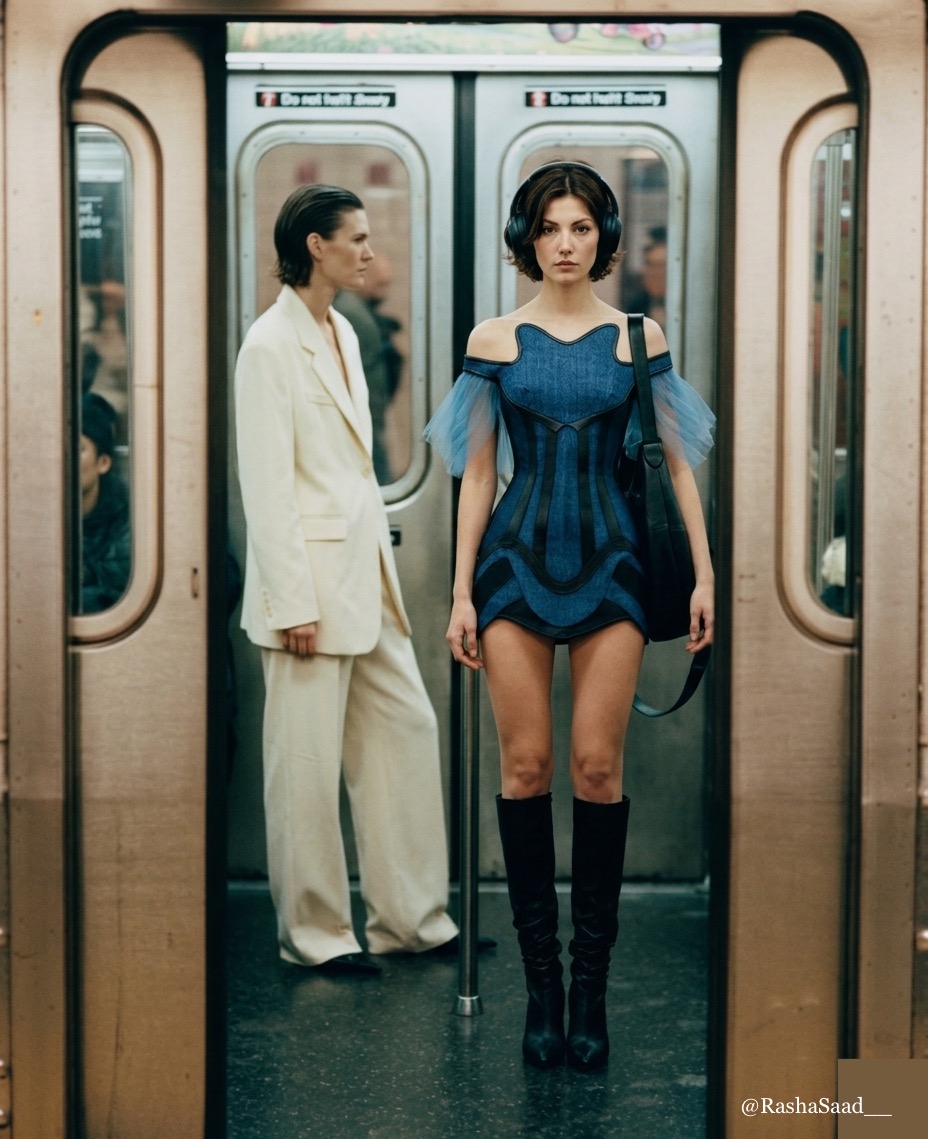
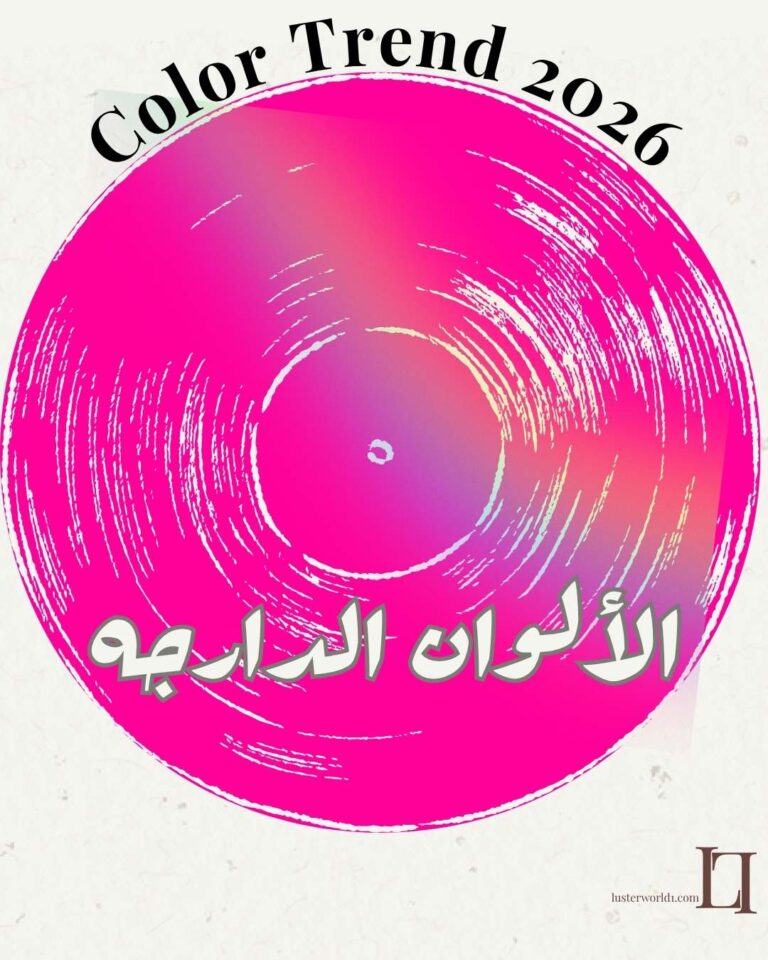
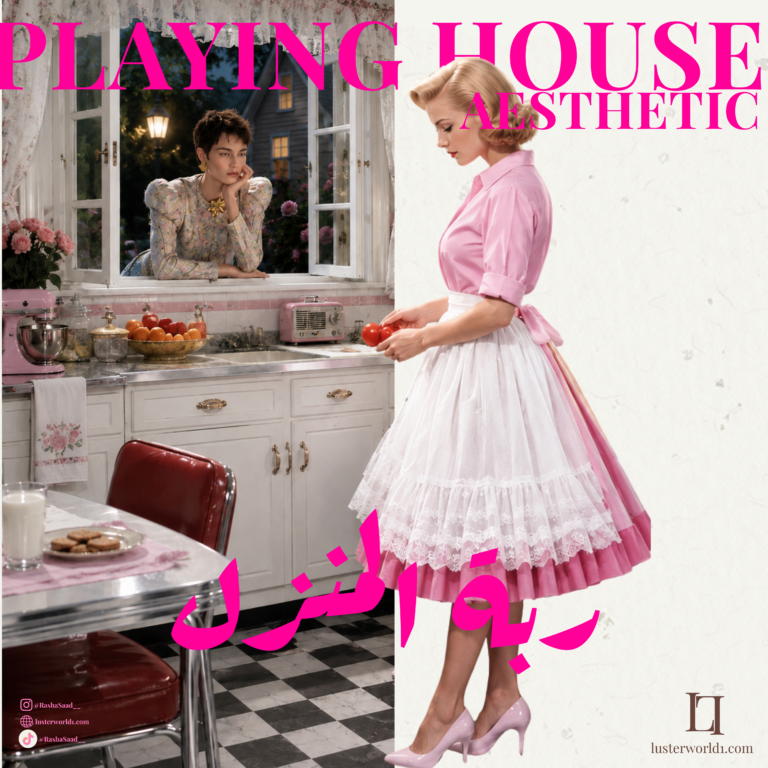
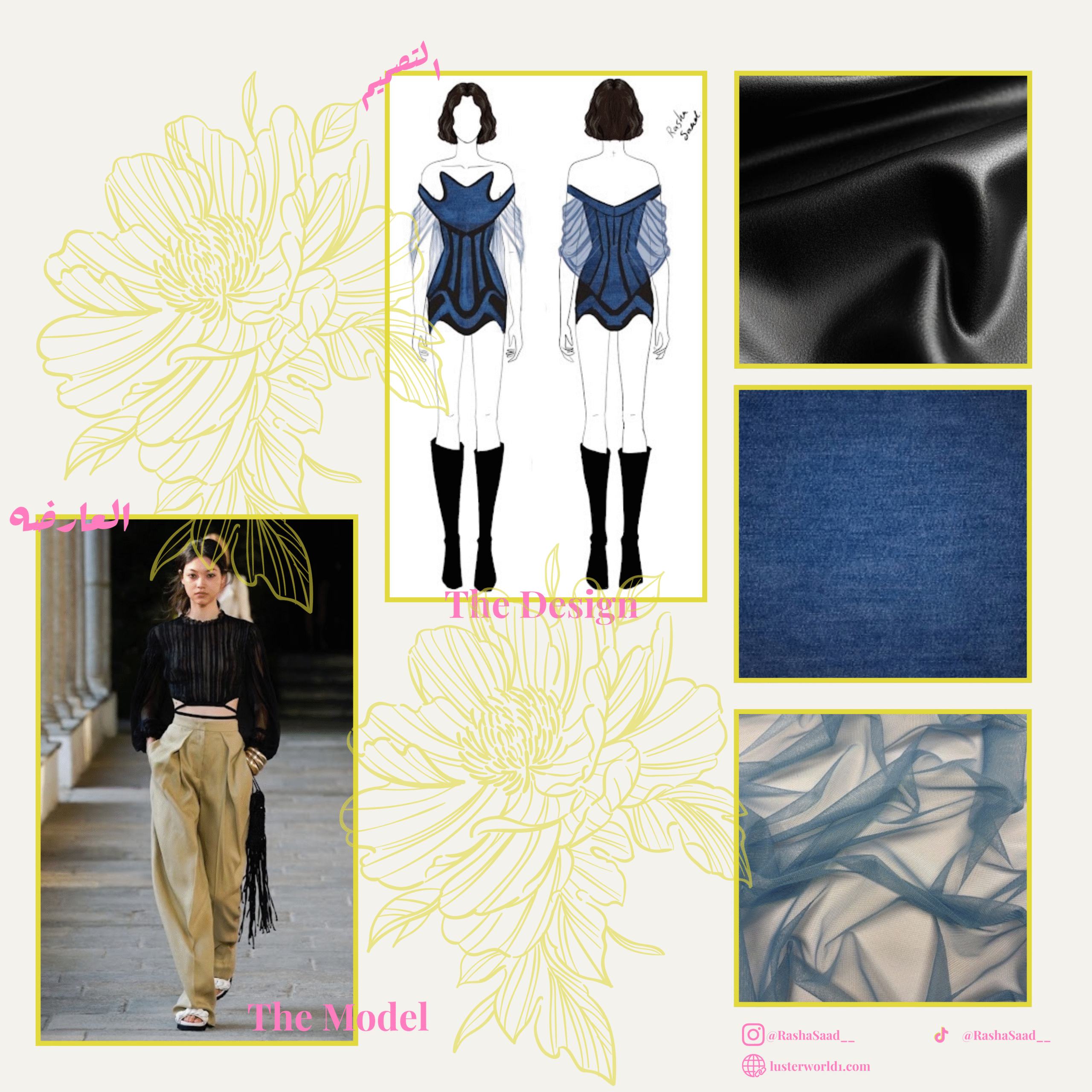
Download the Pinterest app and download the following images:
1- Select the fabric image.
2- Select the model’s pose. If you’d like, visit my page and choose from there.
Step Two:
Download the Google AI app (Nano Banana) Gemini:
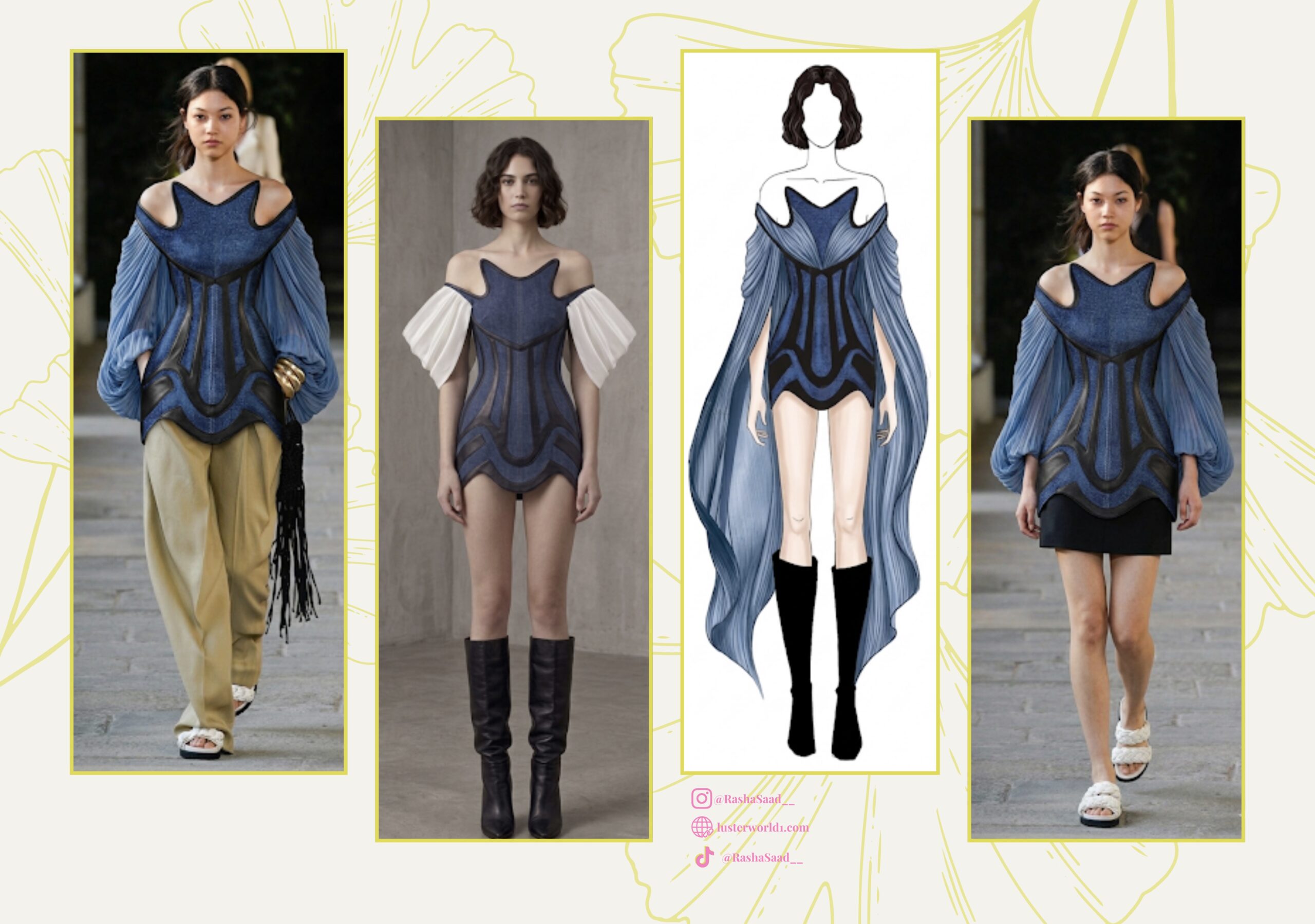
In this step, upload all the images you need for the design.
After adding the images, add the following prompt:
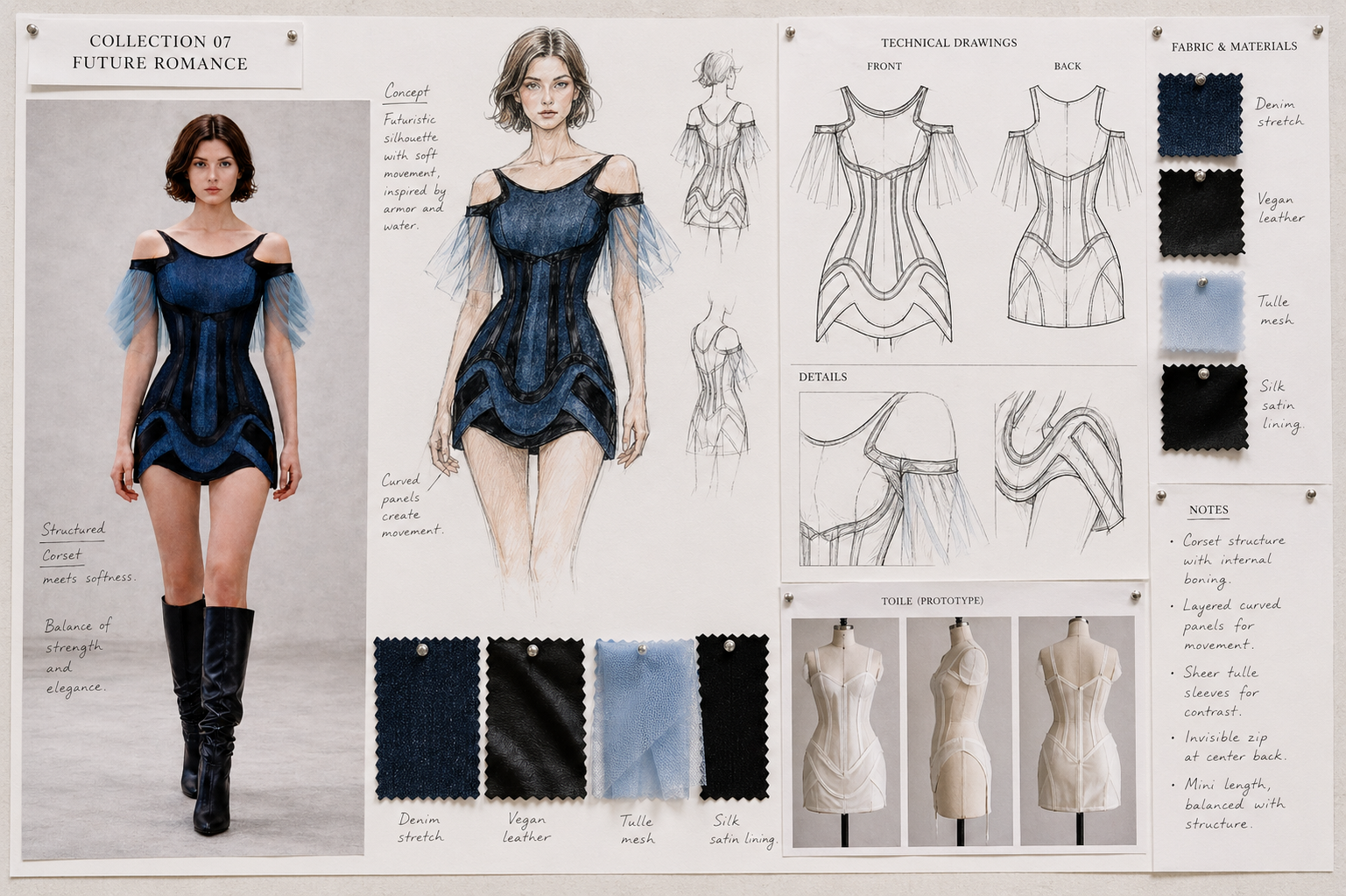
The first image I wanted her to wear (second image)
In the second image, replace the blue section with the third image.
And the black line on the second image was replaced with the fourth image.
Use a detail lens, but the image will be full body.
Prompt Explanation: I asked it to make the first image wear (second image).
In the second image, we replace the blue color (the color in the drawing) with denim fabric. (Here, add the fabric’s order; for example, I added the denim image as the fifth image. If I ask it to replace the blue color with the fifth image, then it should be the denim image.) We continue with the same idea.
* Here’s an important point: you might not get the result on the first try, so we’ll try more than once, adjusting the prompt each time.
The third and final step:
I add the image we created in the previous step and add the promo:
(Full body fashion shot of [Asian model height 186 cm])
Here’s the model’s description: height and nationality.
(standing in studio)
Here’s the location, and I requested it be a studio.
(The hair [second attached image])
I asked the hair to be done in the same style as the image I added.
(Wearing [first attached image])
Here’s the image we created in the previous step.
Style: [editor street style]
Here’s the photography type.
Lighting: [daylight]
Here’s an explanation of the lighting:
And she wore [third image: boots, but in black]
Here, she asked to wear the shoes (excuse the expression) in the third image.
Making sure they fit naturally on her body with the correct size, perspective, and lighting.
Full prom:
Full body fashion shot of [Asian model, height 186 cm]
Standing in a studio. The hair [second attached image]
Wearing [first attached image, just remove the skirt]. Style: [Editor street style]. Lighting: [Daylight]
(And she wore [third image: boots, but in black], making sure they fit naturally on her body with the correct size, perspective, and lighting.)
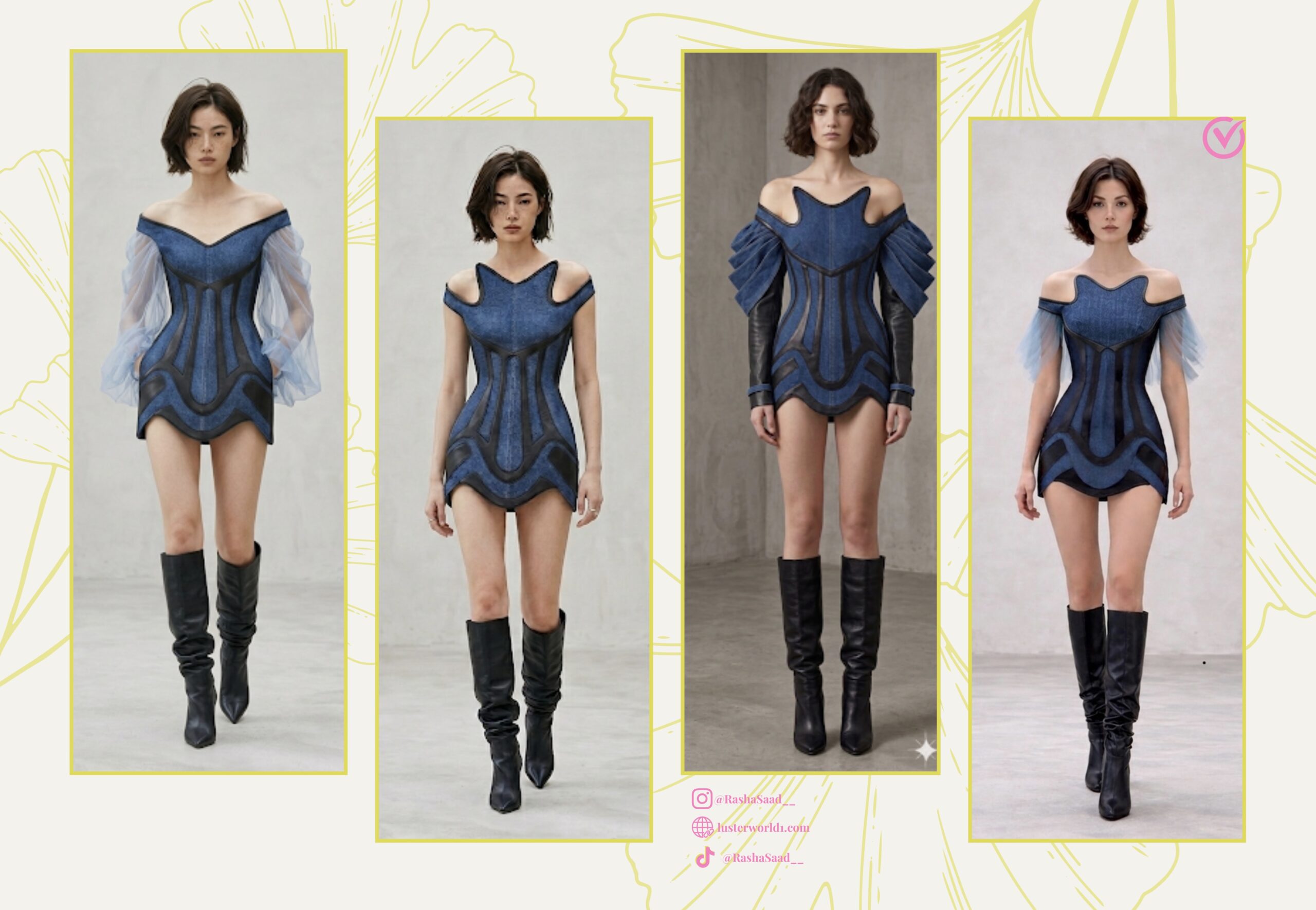
In conclusion, I hope you enjoyed the blog post. If you implement it, don’t forget to share the photos with me on Instagram. If you like, I can turn the next blog post into a photoshoot with the same photos.